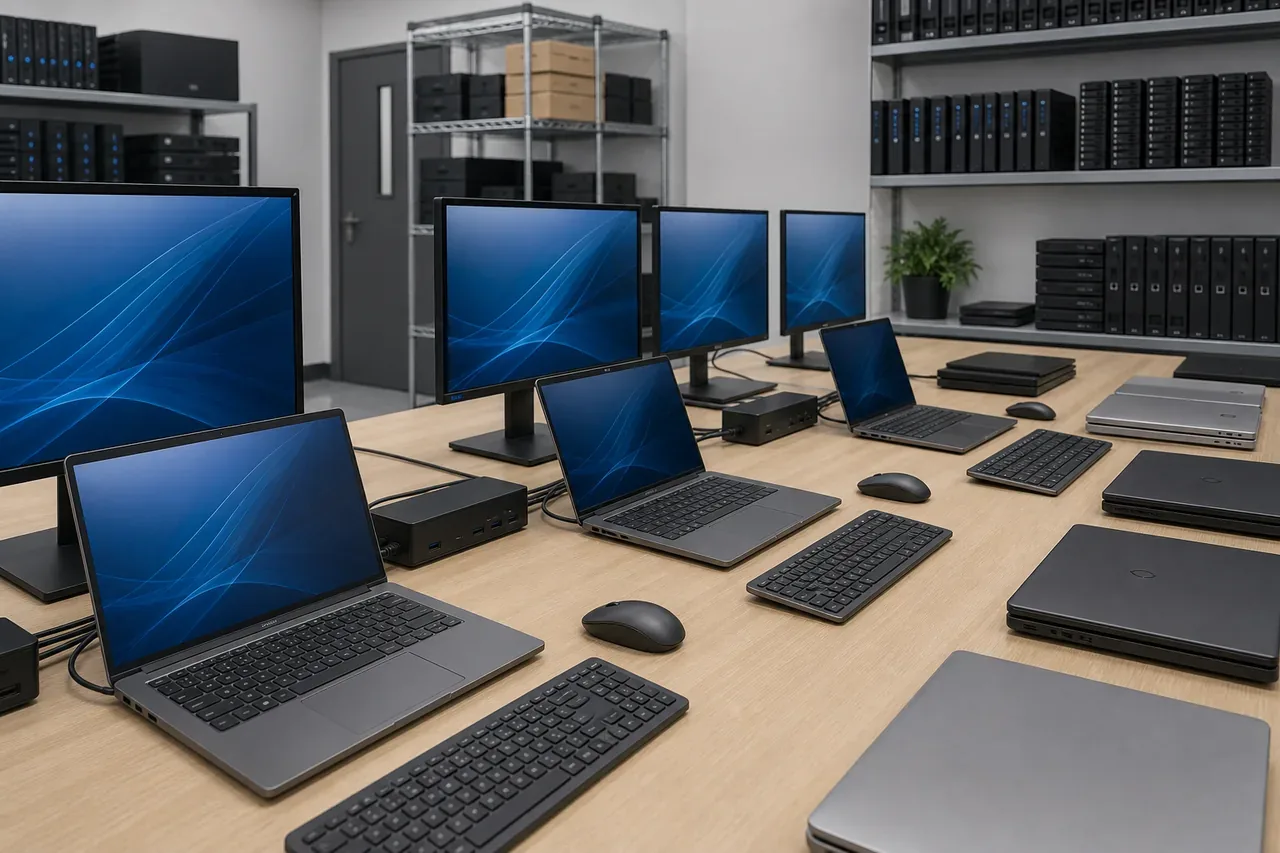
Computer Installation and Setup

Handle OS setup, software installation, email and printer configuration, security hardening, and data migration so devices are deployment-ready on arrival.

Technician configuring operating system and business software on new office computers

Licensed Windows, Office suite, antivirus, and business apps installed correctly.

A new computer should arrive ready for actual work, with licensed software and core applications configured properly.

Auxano handles operating system setup, productivity apps, antivirus, browser and business application readiness, and basic device configuration.

The setup is applied consistently whether the scope is one device or a larger deployment batch.
Make an enquiry
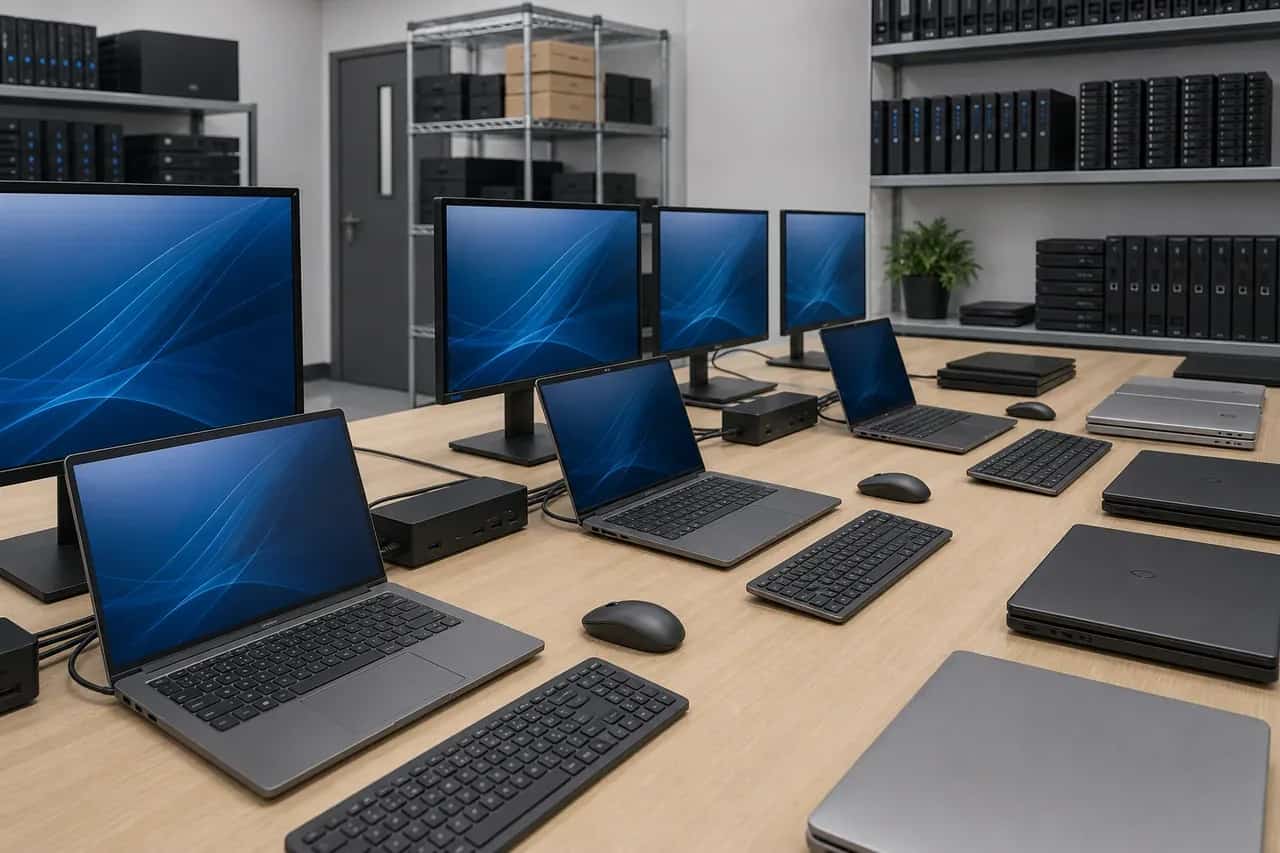
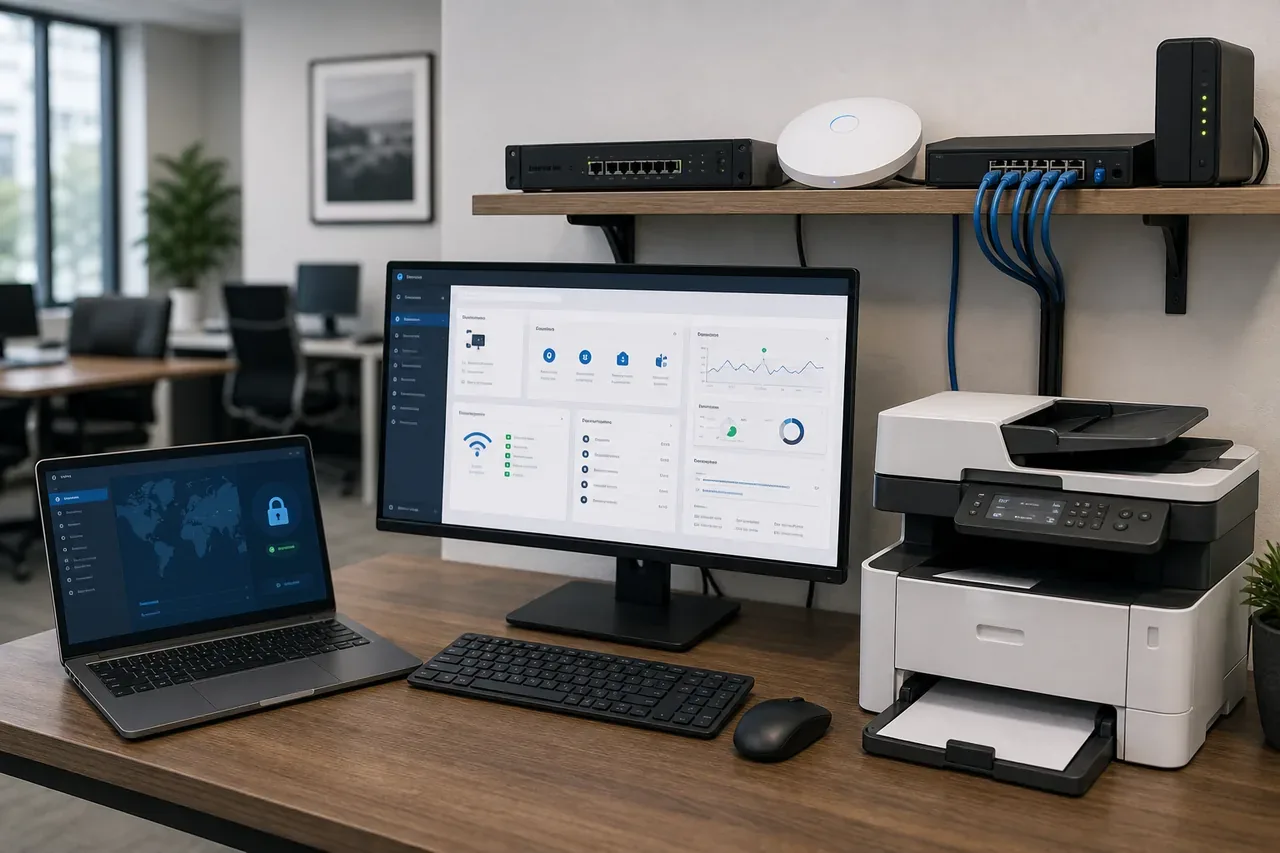
New office computer connected to business network email printers and shared drives

Devices connected to the network, email, printers, and shared drives.

A configured computer is not complete until it can reach the services and shared resources users depend on.

Auxano connects devices to wired or wireless networks, business email, printers, shared drives, and common collaboration tools.

This reduces first-day support issues and helps users start work without repeated manual fixes.

Make an enquiry
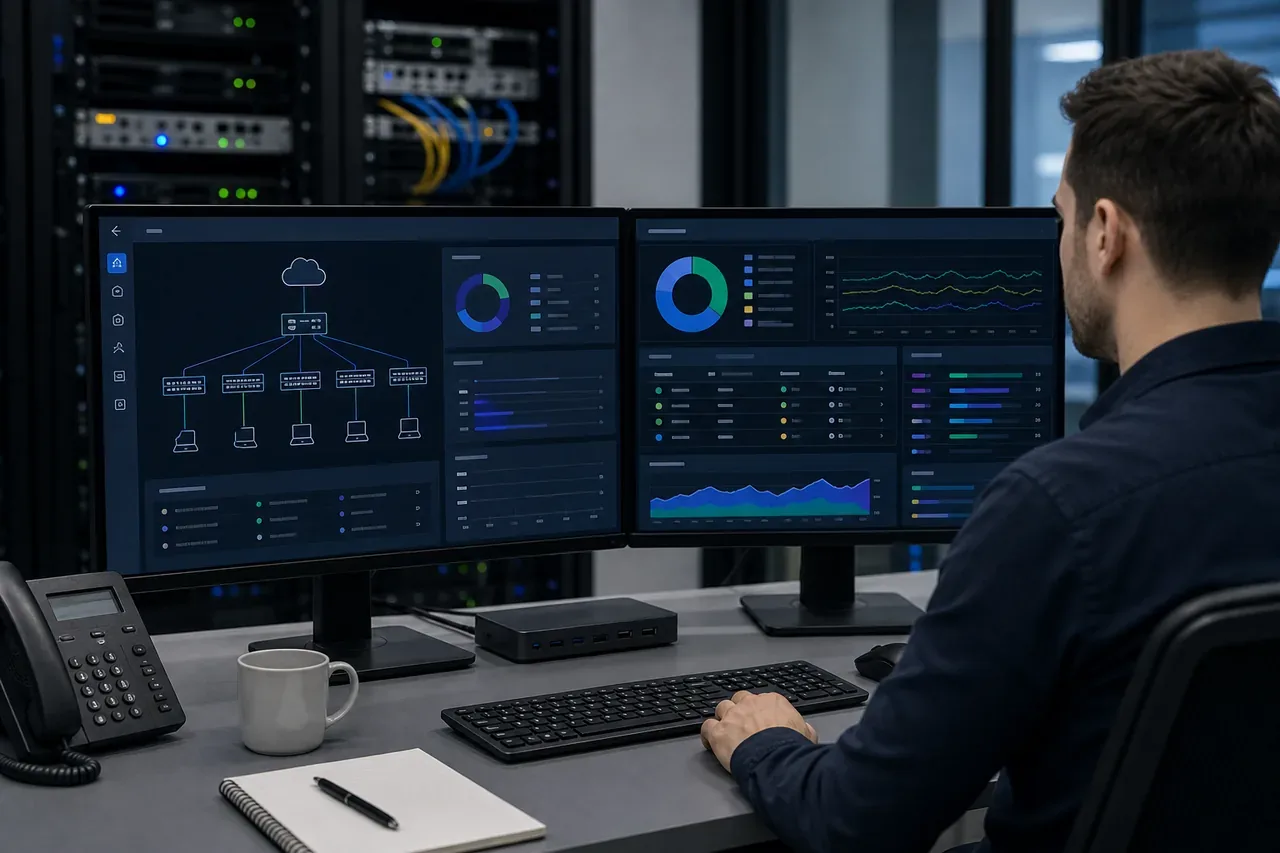
Endpoint security hardening dashboard for newly configured business computers

Security hardening with firewall, updates, and unnecessary services controlled.

Device setup should reduce avoidable exposure before users start storing business data on the machine.

Auxano enables security baselines such as firewall settings, update configuration, antivirus readiness, local account hygiene, and unnecessary service review.

This gives each new endpoint a stronger starting posture before it enters daily use.

Make an enquiry
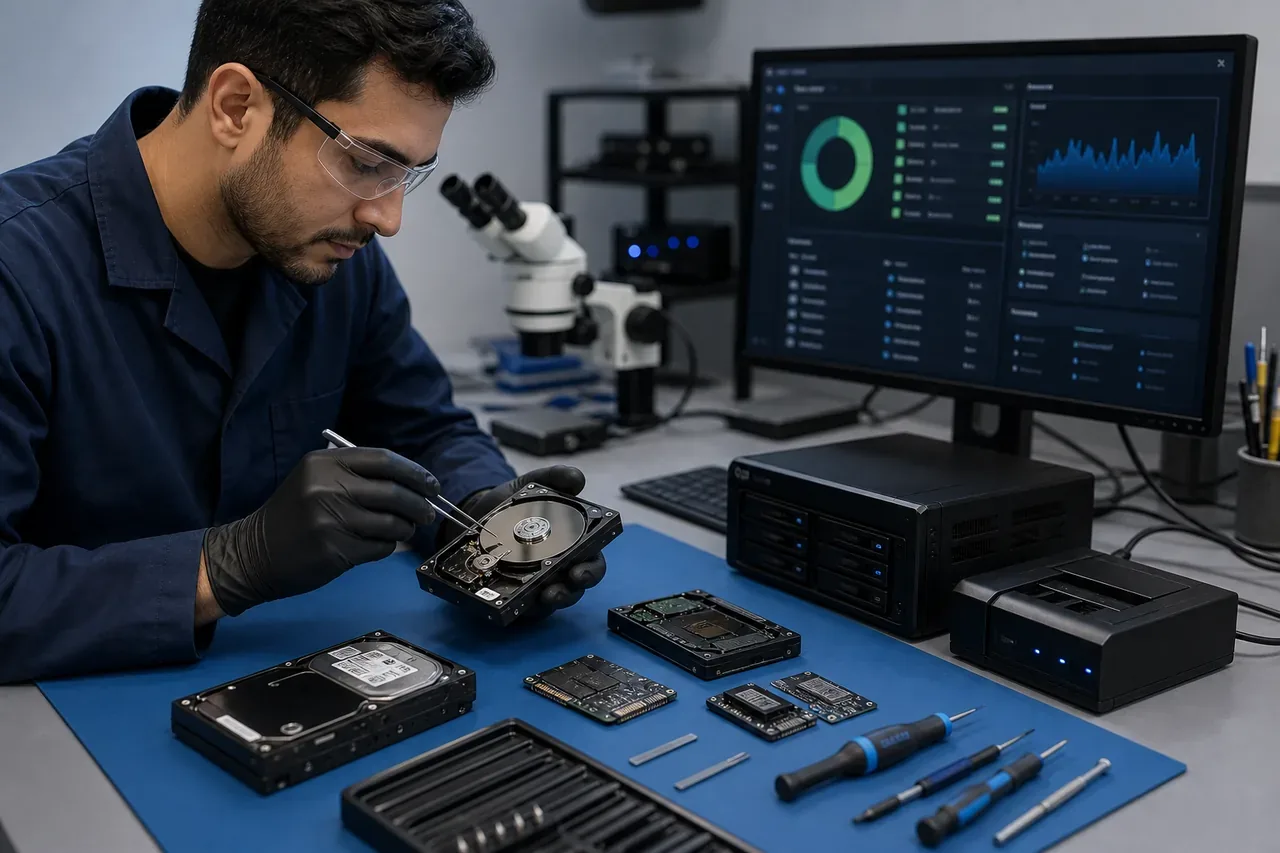
Technician migrating files and settings from an old computer to a new business laptop

Files, emails, and settings moved from old machines to new machines.

Hardware refresh should preserve the user’s working context instead of leaving them to rebuild everything manually.

Auxano supports data migration from old devices to new ones, including business files, selected settings, mail profiles, and practical user handover checks.

This is especially useful during refresh projects where productivity loss is as important as the device purchase itself.

Make an enquiry

How Auxano Works With You

How does Auxano deliver computer installation and setup?

Auxano begins with the operating environment, confirms the technical scope, then handles planning, supply, installation, testing, commissioning, documentation, and support handover as one coordinated delivery process.

What is included in the project scope?

Each scope is shaped around the site, risk level, users, devices, and long-term support needs. Core delivery areas include User-ready deployment setup, Migration and profile transfer, Security baseline configuration.

Can Auxano support multiple Nigerian locations?

Yes. Auxano supports single-site and multi-site environments in Lagos, Abuja, Port Harcourt, and other Nigerian locations, with planning and documentation that keep deployment and future support consistent.

Which environments is this service suited for?

This service is suited for Corporate offices, Retail, Education, Healthcare, with the final design adapted to each site's uptime, security, compliance, and support requirements.

What happens at handover?

Handover is treated as part of the work, not an afterthought. Typical handover items include Configured end-user device, Data migration completion, Deployment and support notes.

Trusted by Clients and Partners

to secure people, property, and data

Amcrest
Cambium Networks
Canon
Centurion Health
D-Link
Dahua Technology
Excel Telecom
Fortigate
Auxano client
Auxano client
Auxano client
Auxano client
Auxano client
Auxano client
Kaspersky
Key King Mobile Locksmith
Matrix Professional Haircare
Mavi Alarm
Panasonic
Sharp Healthcare
Toshiba
VMware